

From Late-Night Overtime to One-Click Solutions: How AI PPT Creation is Changing the Game for KL Working Professionals
If you walk past an office building in Mid Valley or Bangsar South at 8:00 PM, you’ll likely see rows of windows still lit up. Inside, there is almost always a tired executive staring at a screen, not necessarily crunching complex numbers, but struggling to “align” a logo or find a decent-looking template for tomorrow’s morning meeting.
In the Malaysian corporate culture, presentations are everything. Whether you are pitching to a Datuk or reporting monthly KPIs to your manager, the visual quality of your slides often dictates how “professional” people think you are. For many KL working professionals, the actual thinking part of the presentation takes two hours, but the “beautifying” part—fiddling with fonts, searching for high-res images, and fixing bullet points—takes five.
This is a recurring headache. We’ve all been there: you have a great idea, but your design skills are, honestly, quite limited. You end up using the same old built-in templates from 2010, and deep down, you know it looks a bit “cincai.” This constant pressure to produce high-quality visuals on a tight deadline is exactly why many are starting to look for a shortcut that doesn’t sacrifice quality.
The Rise of Smart Tools: Is AI PPT Creation actually practical?
Recently, there’s been a lot of “kopi tiam” talk among tech-savvy employees about AI PPT Creation. At first, many were skeptical. “Can a robot really understand my boss’s specific taste?” or “Will it look too robotic?” were common questions. However, after some ai ppt test (actual testing) by early adopters in the industry, the feedback has shifted.
The reality of ai ppt creation tools today isn’t about replacing the human presenter, but rather about removing the “grunt work.” Imagine typing a few sentences about your sales performance and having a tool automatically generate a clean, structured layout with relevant icons and charts. It’s no longer just a free ai ppt template that you have to manually edit; it’s about ai automation ppt where the engine understands the context of your content.
| Feature | Traditional Manual Design | Modern AI PPT Creation |
| Drafting Time | 3 – 5 Hours | 10 – 15 Minutes |
| Design Skill | High (Requires UI/UX sense) | Low (Focus on content) |
| Consistency | Hard to maintain across 50 slides | Automatic branding & alignment |
| Cost | High (Designer fees/Time) | Affordable/Subscription-based |
For a busy working ppt ai user, the value isn’t just in the speed—it’s in the mental relief. Knowing that you don’t have to spend your entire Sunday night “fighting” with a software’s layout engine allows for a much better work-life balance.
Beyond the Cubicle: From Small Bosses to Students

It’s not just the corporate ladder-climbers who are benefiting. Small business owners (small bosses) in places like Puchong or Klang, who often wear ten different hats, find these tools life-saving. When a small boss needs to pitch a new product to a distributor, they don’t have a dedicated design department. In such cases, a reliable ai tool becomes their “invisible designer.”
Even for the younger generation, like a ai user in Taylor’s or UTAR, the expectations for university assignments have skyrocketed. Students are now expected to produce slides that look like they came out of a McKinsey report. For them, ai ppt is good to use? is no longer the question—the question is which tool gets the job done fastest so they can focus on their research.
Under these circumstances, professional setups like certain service providers usually play a more neutral, administrative, or supportive role in helping users navigate these technologies. They provide the framework, but the user provides the “soul” of the presentation.
Finding the Balance: It’s about Strategy, not just Templates
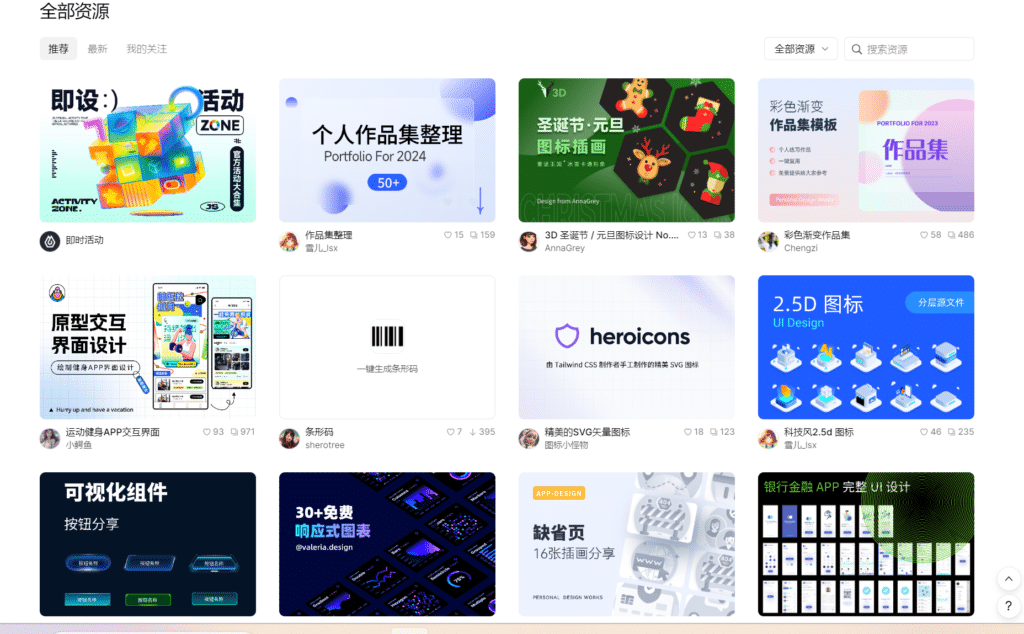
Touch wood, we don’t want to reach a point where every presentation looks identical because everyone is using the same ai ppt template. The real “pro tip” shared among industry insiders is to use AI as a foundation.
- Step 1: Use AI to generate the structure and basic design.
- Step 2: Spend your “saved time” refining the storytelling.
- Step 3: Add your local Malaysian context—the specific market insights that no AI can truly replicate yet.
Actually, the biggest win with beginner ppt ai (making slides without design skills) is that it levels the playing field. A brilliant engineer with zero design sense can now present their ideas just as clearly as a marketing lead. It shifts the focus back to what truly matters: the message.
In Malaysia, where we are rapidly embracing the digital economy, staying updated with these “efficiency hacks” is no longer optional. It’s about being smart with your time. After all, wouldn’t you rather spend your evening at a Mamak with friends than staring at a PowerPoint alignment guide?
The trend is clear. Whether you are a veteran manager or a fresh grad, exploring the world of AI-assisted work is the first step toward a less stressful professional life. It’s not about being “lazy”; it’s about being “efficient.”
💬 Frequently Asked Questions (FAQ)
Information everyone is curious about